
The Best AI Calorie Counter App in 2026: 10 Apps Compared
Short answer: For most people the best AI calorie counter is SnapCalorie. It logs up to 3 meals a day from a photo for free, and it publishes an accuracy figure (around 15% mean calorie error) based on its team's own research. MacroFactor is the best paid pick if you want calorie targets that adapt to your measured expenditure ($71.99 a year). Cal AI is the most popular, but its scans need a subscription. If you also lift, ego (our app) logs meals by photo, barcode or chat and builds your strength plan in the same app.
Almost every calorie counter now has an AI button: snap a photo, get calories. What separates them is whether the AI part is free, what else it logs from (barcode, text, voice), and whether the app can back up its accuracy with a number. This guide compares ten apps on those points, with US prices, and puts every accuracy figure we could find in one table.
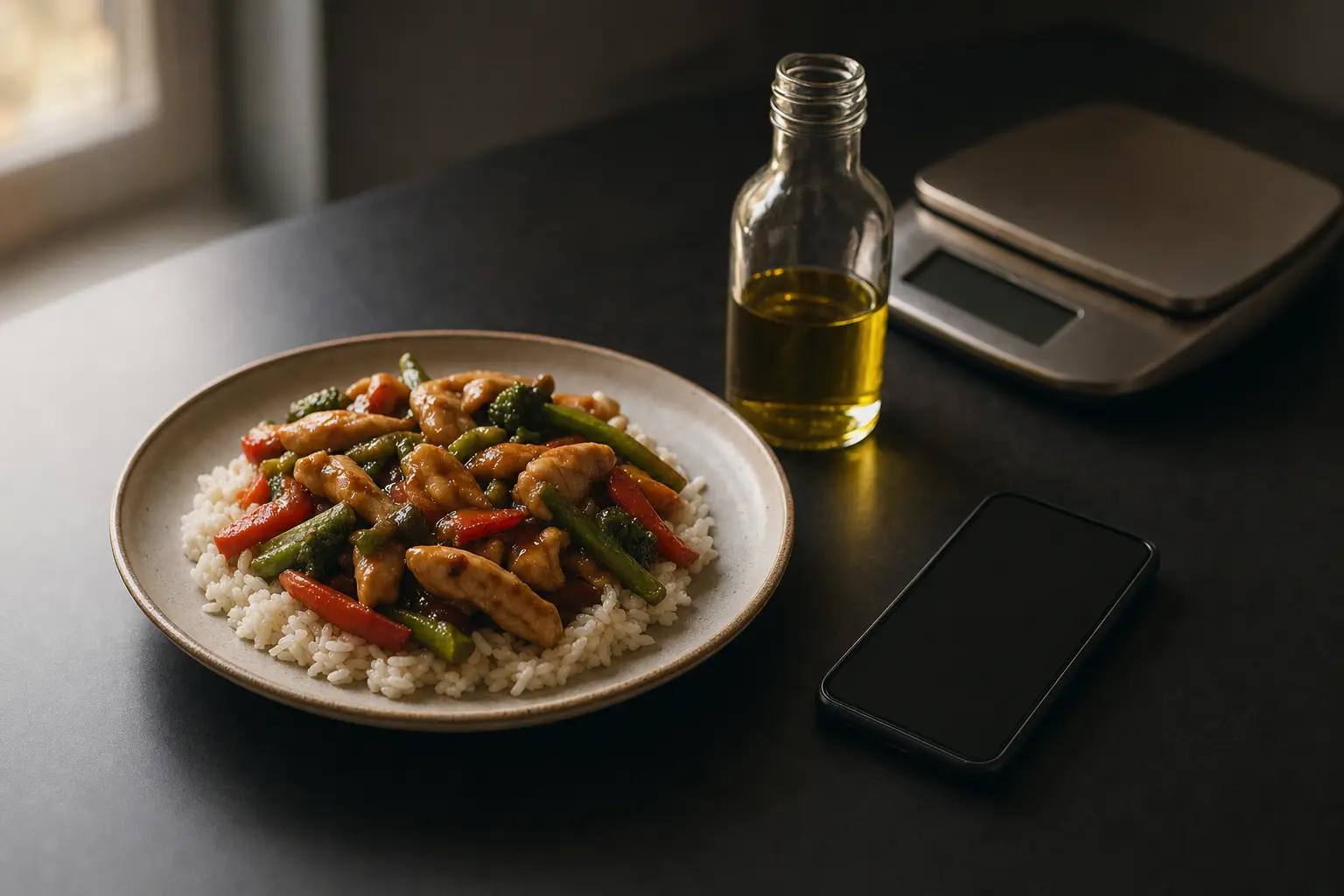
The 10 AI calorie counters at a glance (November 2026)
| App | AI logging | Free AI logging | US price | Best for |
|---|---|---|---|---|
| ego (our app) | Photo, barcode, chat | 2 meals on a free account | $29.99/yr food only; $49.99/yr with training (3-day trial) | Lifters who want food and training in one app |
| SnapCalorie | Photo, voice, LiDAR depth on iPhone Pro | 3 AI logs a day | $149/yr or $19.99/mo listed; cheaper offers too | Free photo logging |
| Cal AI | Photo | None: scans need a subscription | Not published; App Store lists $2.99 to $29.99 | The most popular photo log |
| MacroFactor | Photo, text, voice, barcode, label scan | Free trial only | $71.99/yr | Targets that adapt to your expenditure |
| Cronometer | Photo Log (Gold), barcode | None (barcode scanning is free) | $59.99/yr Gold | Micronutrient detail, on the web too |
| MyFitnessPal | Meal Scan (Premium) | None | $79.99/yr Premium | The biggest food database |
| Lose It! | Snap It (Premium, English only) | None | $79.99/yr Premium | Simple calorie budgeting |
| FatSecret | Smart Food Scan, barcode | Photo scan sits under Premium | $59.99/yr listed; cheaper offers too | A free food diary with an Apple Watch app |
| Yazio | Photo (Pro), barcode | None since photo logging moved to Pro | 12-month Pro listed at $23.90 and $47.90 | Calorie counting plus intermittent fasting |
| PlateLens | Photo | A daily scan allowance (number not published) | $34.99/yr on its site | Free scans on phone, watch and web |
How we compared these apps
We read each app's own pricing, help and feature pages and its US App Store listing on November 9 and 10, 2026. We didn't run every app on the same meals, so this is a feature, price and evidence comparison, not an accuracy ranking. Each app was checked against four questions:
- AI logging. Can it log a meal from a photo, and what else speeds logging up (barcode, text, voice)?
- What's free. Does AI logging work without paying, and how much of it?
- Accuracy evidence. Does the app publish an accuracy figure, and who measured it?
- Price. The US price as the vendor or the App Store lists it. Several apps vary prices per user, which we note.
1. ego (our app): best if you also lift
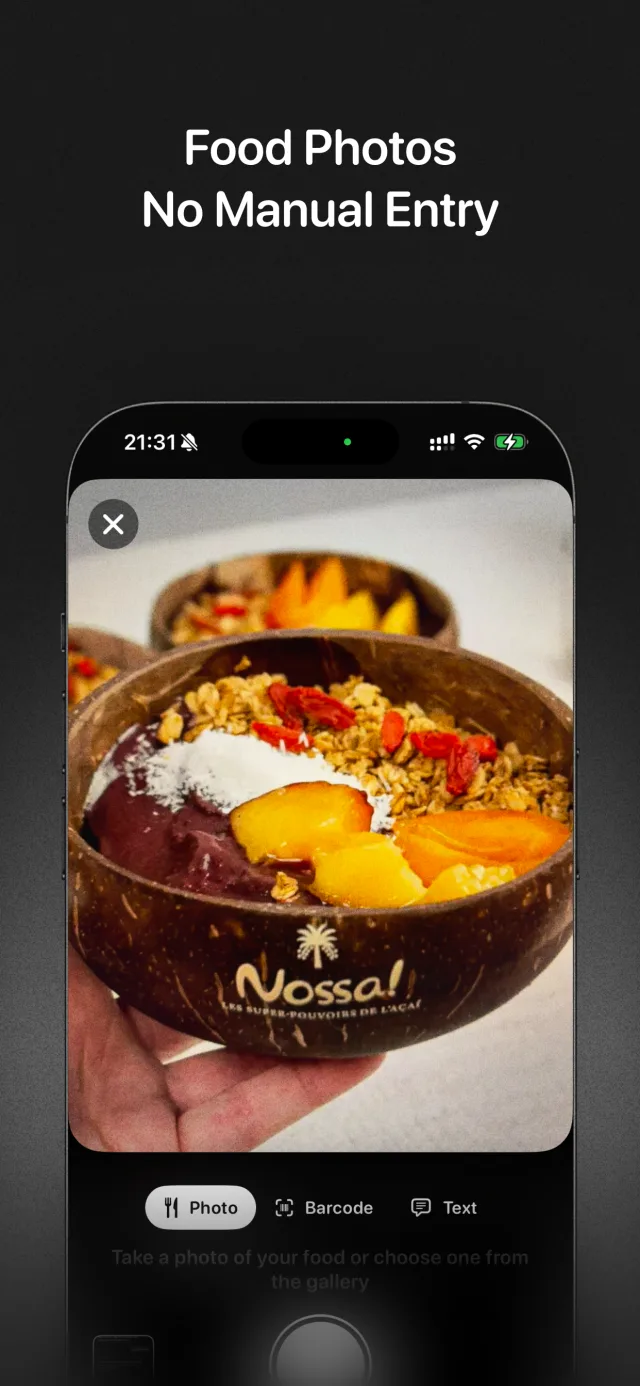
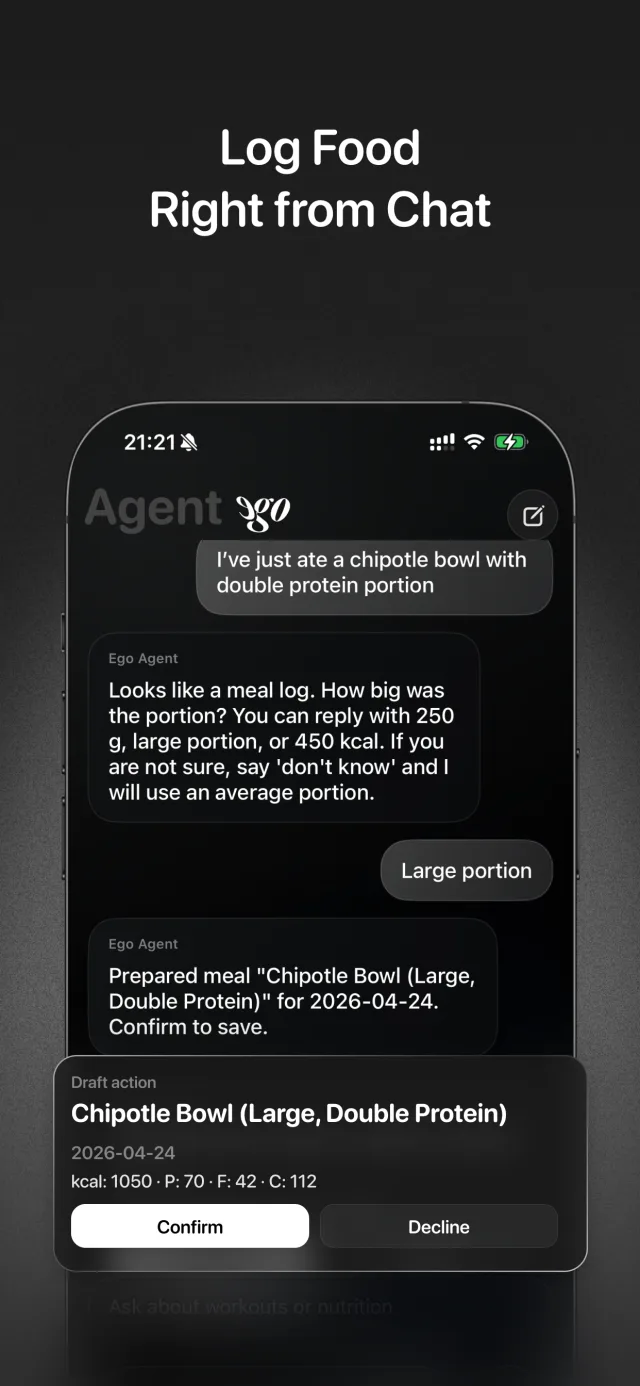
ego logs a meal from a photo, a barcode, or a sentence typed to the chat coach ("grilled chicken wrap and a Coke Zero"). You can add a note to a photo for what the camera can't see, and an amount you type ("1 tbsp olive oil", "200 g rice") takes priority over the photo estimate. Every estimate stays editable. What no other app here does is plan your training: the same app builds a strength plan from your goal and experience, suggests a working weight for each exercise, and its coach reads your workouts, steps, sleep and active calories from Apple Health.
We tested ego on 506 dishes with weighed ingredients from Google's public Nutrition5k dataset, sending a photo of each dish plus a note naming its ingredients. The median error was 23% per dish and 14% on the total for a day of four dishes. The method and per-dish data are in our photo calorie accuracy test.
What it misses: ego is iPhone-only (iOS 18+), and it's a young app with few ratings so far. Calorie targets come from your goal and body stats and recalculate when your weight or goal changes; they don't adapt to your expenditure the way MacroFactor's do. The free account logs 2 meals and 1 workout; after that, logging needs a subscription.
Price: Nutrition, the food-only plan, is $29.99 a year. Full access with training is $49.99 a year after a 3-day free trial, or $6.99 a week. Details are on the pricing page.
2. SnapCalorie: best free AI calorie counter
SnapCalorie is "FREE for up to 3 AI logs per day," according to its FAQ. You log by photo or voice note, and its App Store listing says it uses the LiDAR depth sensor on iPhone Pro models to "measure exact food volume." It also has the most detailed accuracy claim in this list. The same FAQ puts SnapCalorie at "around 15% mean caloric error (that's +/- 150 calories on a 1000 calorie dish)" and says the team's earlier research, a dataset of 5,000 dishes with every ingredient weighed, was published at CVPR, a leading computer vision conference. That description matches Nutrition5k, the public Google dataset we used to test ego.
What it misses: nutrition only, with no training, and the 15% figure is the company's own measurement. Price: the US App Store lists Premium at $19.99 a month or $149 a year, alongside several cheaper offers, so check the price the app shows you. Available on iPhone and Android.
3. Cal AI: the most popular photo calorie counter
Cal AI made photo calorie counting mainstream. Its US App Store listing has about 375,000 ratings averaging 4.8, and since March 2026 the app belongs to MyFitnessPal, as reported by TechCrunch. Its FAQ says "CalAI is about 80% accurate," without saying how that's measured. Cal AI was also one of the four apps in the NIH test described below.
What it misses: there are no free scans. The listing states that "food scanning analysis results require a subscription," and the app is nutrition only. Price: Cal AI doesn't publish prices. The listing shows its "Unlimited" plan at several prices from $2.99 to $29.99 without saying which period each covers, and eesel's 2026 pricing review reports about $9.99 a month or $29.99 a year. If you're leaving it, see the best Cal AI alternatives.
4. MacroFactor: best for targets that adapt to you
MacroFactor's App Store listing says you can "log food by AI photo, meal description, speech-to-text, barcode scanner, or nutrition label scanner." Its calorie targets adapt to your measured expenditure, estimated from what you log and how your weight moves. It doesn't publish an accuracy figure for AI logging; its help center suggests you "include your fist or a common object in the photo to help with portion estimates," or photograph the plate "with a food scale in view."
What it misses: "MacroFactor has a free trial, but does not offer a free subscription tier." Training lives in a separate MacroFactor Workouts app. Price: $11.99 a month or $71.99 a year. Available on iPhone and Android.
5. Cronometer: best for micronutrient detail
Cronometer is the tracker for people who care about vitamins and minerals, not just calories and macros. Its Gold plan adds Photo Log, and the free version still lets you "scan barcodes for free," per its App Store listing. It also runs on the web.
What it misses: photo logging is Gold-only, we found no published accuracy figure for it, and there's no training plan. Price: Gold is $59.99 a year.
6. MyFitnessPal: best for the biggest food database
MyFitnessPal's Meal Scan "uses your camera to recognize everything on your plate," per its website, and its App Store listing counts "20.5M+ foods." It also logs workouts, and since March 2026 it owns Cal AI. In the NIH test below, MyFitnessPal and Lose It! "estimated the energy content of higher-calorie meals more accurately than lower-calorie meals."
What it misses: Meal Scan and barcode scanning are Premium features; the free version is manual search logging, and there's no training plan. Price: Premium is $19.99 a month or $79.99 a year on the US App Store. We compare it with Cal AI in Cal AI vs MyFitnessPal.
7. Lose It!: best for simple calorie budgeting
Lose It!'s free Basic plan gives you a daily calorie budget and its food database, which its App Store listing puts at "56+ million items and recipes." Photo logging, called Snap It, is part of Premium, and Lose It! was one of the four apps in the NIH test.
What it misses: Snap It "is exclusively available to Premium members, and is currently only available if your device's language is set to English," per its help center. Price: Premium is $79.99 a year, with no monthly plan listed.
8. FatSecret: best free food diary with an Apple Watch app
FatSecret's free app covers a food diary, a barcode scanner, exercise and weight tracking, and an Apple Watch app, per its App Store listing, which also lists "image recognition of foods, meals and products so you can take photos with the camera and track nutrition with pictures." FatSecret calls that feature Smart Food Scan, and its help center files the Smart Food Scan guide under Premium.
What it misses: expect photo logging to need Premium, we found no published accuracy figure, and there's no training plan. Price: the US App Store lists Premium at $14.99 a month, $28.99 a quarter or $59.99 a year, with cheaper offers listed too.
9. Yazio: best for calorie counting plus fasting
Yazio now calls itself "AI Calorie Tracker by Yazio" on the App Store, where the free app counts calories, scans barcodes and comes with an intermittent fasting tracker. Its help center says photo logging "was initially available to all users for free and is now part of Yazio Pro." On accuracy, Yazio is candid: "The AI recognition only provides a rough estimate and cannot guarantee 100% accurate results."
What it misses: AI photo logging is Pro-only, and there's no training plan. Price: the US App Store lists 12-month Pro plans at $23.90 and $47.90 among several offers, so check the price the app shows you.
10. PlateLens: free daily scans on more devices
PlateLens analyzes a meal from a single photo and is "free forever with daily photo-scan and coach-message allowances," per its pricing page, which doesn't say how many scans a day that is. It runs on iPhone, Android, Apple Watch and the web. Its site cites a "±1.1% kcal error across 180 weighed meals" measured by a group called the Dietary Assessment Initiative and repeated on 231 meals by the open-source Foodvision Bench, and says "neither benchmark was run by PlateLens." It adds that the result "supports aggregate calorie accuracy" and "does not promise that every individual meal falls within 1.1%," so it isn't comparable to a per-meal error.
What it misses: nutrition only, and we haven't checked those benchmarks ourselves. Price: its site lists $9.99 a month or $34.99 a year; the US App Store lists Premium at $19.99 and $79.99.
Also worth knowing: Foodvisor analyzes meal photos on its Premium plan too. We cover it in the Cal AI alternatives guide.
Which AI calorie counter is the most accurate?
Nobody has tested all ten on the same meals, so no one can honestly name a winner. The best independent evidence so far comes from NIH researchers, who photographed 102 meals from a metabolic kitchen where every ingredient is weighed to the nearest 0.1 gram, and ran them through Cal AI, MyFitnessPal, Lose It! and Appediet. "All four apps underestimated the calorie content of meals by about 250 to 345 calories, on average, and fat by about 30 grams," according to the American Society for Nutrition's summary of the study, presented at NUTRITION 2026 in July and preliminary until it appears in a peer-reviewed journal. The researchers' advice: "People using a photo-based tracking app without adjusting the portions or entering the amounts of food should take the results with a grain of salt."
| App | Accuracy figure | Measured by |
|---|---|---|
| SnapCalorie | Around 15% mean calorie error | SnapCalorie |
| ego | 23% median error per dish; 14% per day of four dishes; 4.2% on the total of all 506 dishes | Us, on 506 public Nutrition5k dishes (method published) |
| PlateLens | ±1.1% aggregate calorie error across 180 meals | Two outside benchmarks PlateLens cites; not checked by us |
| Cal AI | "About 80% accurate" | Cal AI, no method given |
| Cal AI, MyFitnessPal, Lose It! | Underestimated meals by about 250 to 345 kcal on average (with Appediet) | NIH researchers, 102 weighed meals (preliminary) |
| Yazio | "A rough estimate" | Yazio |
| MacroFactor, Cronometer, MyFitnessPal, Lose It!, FatSecret | No accuracy figure published by the app that we found | None |
These numbers don't line up. A mean and a median of per-meal error are different measures, and an error on the total lets over- and underestimates cancel. Our own test shows how much that matters: the same 506 estimates give a 23% median error per dish but only 4.2% on the total. The meals differ from test to test too, and ego's test included a note naming each dish's ingredients.
What does carry over is the direction. Photo apps miss the oil, butter and dressing they can't see, so estimates tend to run low on rich meals. Whichever app you pick, edit portions, add the fats you cooked with, and judge your weekly weight trend rather than single meals. More in how accurate AI calorie counters are.
Can ChatGPT replace an AI calorie counter?
ChatGPT can estimate calories from a meal photo, and its free plan allows a limited number of uploads. A 2025 study in Nutrients gave ChatGPT-4 114 meal photographs. It identified foods with 93 percent precision, but its weight estimates were poor for medium and large meals, and its nutrient estimates were more than 10 percent off for 13 of the 16 nutrients tested. The bigger gap is what happens next: a tracker saves the estimate to a food diary and counts it against your daily target, while ChatGPT leaves a number in a chat. Fine for a one-off check, not for counting every day.
How to pick
- You want AI photo logging for free: SnapCalorie, or PlateLens.
- You want the fastest, most familiar photo log and don't mind paying: Cal AI.
- You want targets that follow your real expenditure: MacroFactor.
- You track vitamins and minerals, or want the web: Cronometer.
- You want the biggest database and scan lots of packaged food: MyFitnessPal.
- You fast as well as count calories: Yazio.
- You lift and want food and training in one iPhone app: ego.
Frequently asked questions
What is the best AI calorie counter app?
Is there a free AI calorie counter app?
Which AI calorie counter is the most accurate?
What is the best calorie counter app for iPhone?
Can I use ChatGPT as a calorie counter?
Count calories from a photo. Train with a plan.
Log meals by photo, barcode or chat, edit any estimate, and follow a strength plan that suggests your working weights. Download ego on the App Store and set your goal once.

Not ready to install? Try the free AI workout plan generator in your browser. No sign-up needed.