How Accurate Are AI Calorie Counters? What the Research Actually Says
How accurate are AI calorie counters, really? Honestly: useful but imperfect, with error margins most apps don't advertise. Photo estimation has come a long way, but a camera still can't weigh your food or see the oil in the pan. This guide covers the actual numbers from published research and independent tests, explains why portion size is the weak point, and shows how to log meals so the errors stop mattering.
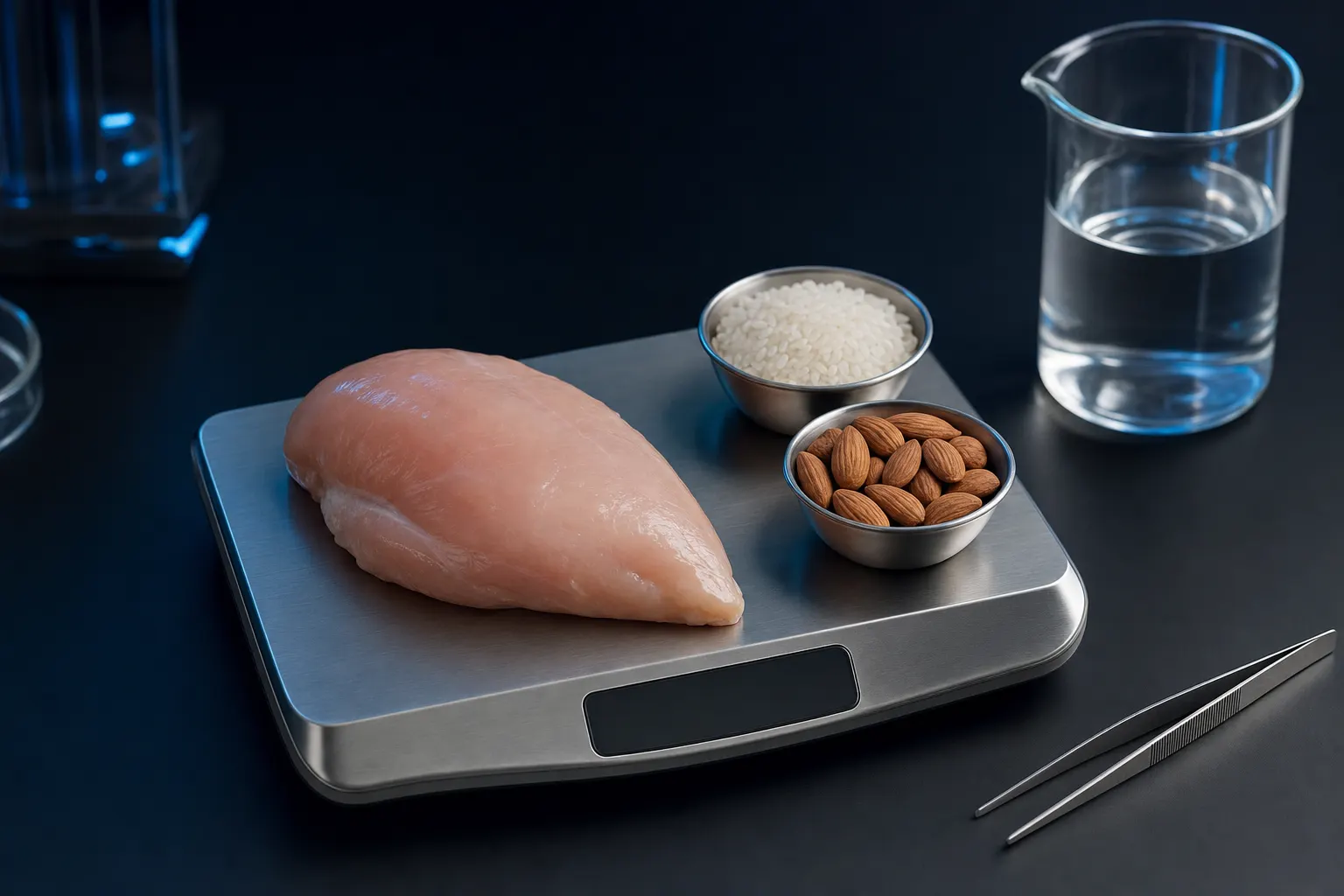
Short answer: AI calorie counters are approximate, not precise. Independent tests and validation studies generally put photo-based estimates within roughly 10-15% of actual calories for simple, clearly visible foods, and 25-35% off for complex mixed meals, with portion size the biggest source of error. That is accurate enough to lose fat if you log consistently and correct obvious misses, which is why the ability to edit portions and scan barcodes matters more than whose AI model is under the hood.
How accurate are AI calorie counters, according to the research?
No photo-based calorie counter measures your food. It estimates from pixels, and a consistent pattern shows up across validation studies and independent tests: single, clearly visible foods score well, complex plates don't. A grilled chicken breast or an apple typically lands within 10-15% of the true number. A curry, casserole, or dressed salad can be off by 25-35% or more.
Portion size, not food identification, is the main culprit. A scoping review in the Journal of Medical Internet Research examined AI applications for measuring food intake and found portion estimation to be a recurring weak point. In one evaluation from that research literature, an image-based system produced reliable portion estimates for only 58 of 149 dishes tested, which is under 40%.
Hands-on tests tell the same story. In one widely discussed Lifehacker test, Cal AI first identified a Pink Lady apple as tikka masala, then underestimated the apple's calories by about a third even with a kitchen scale sitting in the frame. So if you're wondering whether Cal AI is accurate: it's about as accurate as the category allows, which is to say approximately. The same physics apply to every photo logger, including ego. The difference is what the app lets you do about the error. If you're comparing apps on that basis, see our Cal AI alternative breakdown.
Why your AI calorie counter gets portions wrong
A photo is flat. The model can recognize what the food is, but it has to infer how much of it there is, and depth, density, and weight are invisible in a 2D image. A cup of cooked rice and a cup and a half look nearly identical from above, and that extra half cup is around 100 calories.
Three things make it worse:
- Invisible calories. Cooking oil, butter, sugar in sauces, and dressing don't show up in pixels. A tablespoon of olive oil adds roughly 120 calories the camera will never see, which is why photo estimates tend to skew low on home-cooked and restaurant food.
- Average-portion defaults. When the model is unsure, it assumes a typical serving. If your portions run bigger or smaller than average, the error compounds in the same direction every single day.
- Mixed dishes. Burritos, stews, and casseroles hide most of their ingredients. The model is guessing at a recipe, not reading one.
What AI estimates well vs. poorly
Reliable: whole fruits, plain proteins, eggs, plates with separated items. Unreliable: rice and pasta portions, curries and stews, salads with dressing, smoothies, and anything cooked in oil you didn't watch being made.
Consistency beats precision for fat loss
Here's the part accuracy debates miss: fat loss doesn't depend on any single meal being measured perfectly. It depends on your average intake trending below your expenditure for weeks. A tracker that runs consistently 15% low still shows you the trend, and the trend, checked against the scale, is what you act on.
The practical version: log every meal for two to three weeks and watch your weekly weight average. If the scale isn't moving while the app says you're in a deficit, your real intake is higher than logged. Drop your target by 100-200 calories and keep going. You're calibrating the instrument instead of demanding lab precision from it.
Manual logging isn't a gold standard either. People misjudge portions by eye, forget cooking fats, and quit logging entirely when it gets tedious. A photo you actually take beats a food diary you abandon. If weighing everything sounds unsustainable, here's how to track macros without weighing food.
Six ways to tighten up photo calorie tracking
- Edit the portion every time. This is the single biggest accuracy lever, and it takes about five seconds per meal.
- Shoot the whole plate at an angle. A 45-degree shot with everything in frame gives the model more depth cues than a straight overhead photo.
- Scan barcodes on packaged food. Label data beats any visual estimate.
- Declare what the camera can't see. Add the oil, butter, or dressing yourself.
- Weigh calorie-dense staples occasionally. Rice, pasta, oils, nut butters. A few weigh-ins calibrate your eye for editing estimates later.
- Log imperfectly rather than not at all. A rough entry preserves the trend; a missing one erases it.
For the full snap-a-photo workflow, see take a picture of food, get calories.
How to log meals accurately with ego
- Download ego and set your goalGet ego on the App Store (iPhone, iOS 18+). It's free to download; a subscription unlocks the full nutrition and training toolkit. Onboarding sets calorie and macro targets from your goal, whether that's fat loss, muscle gain, or maintenance, and updates them daily.
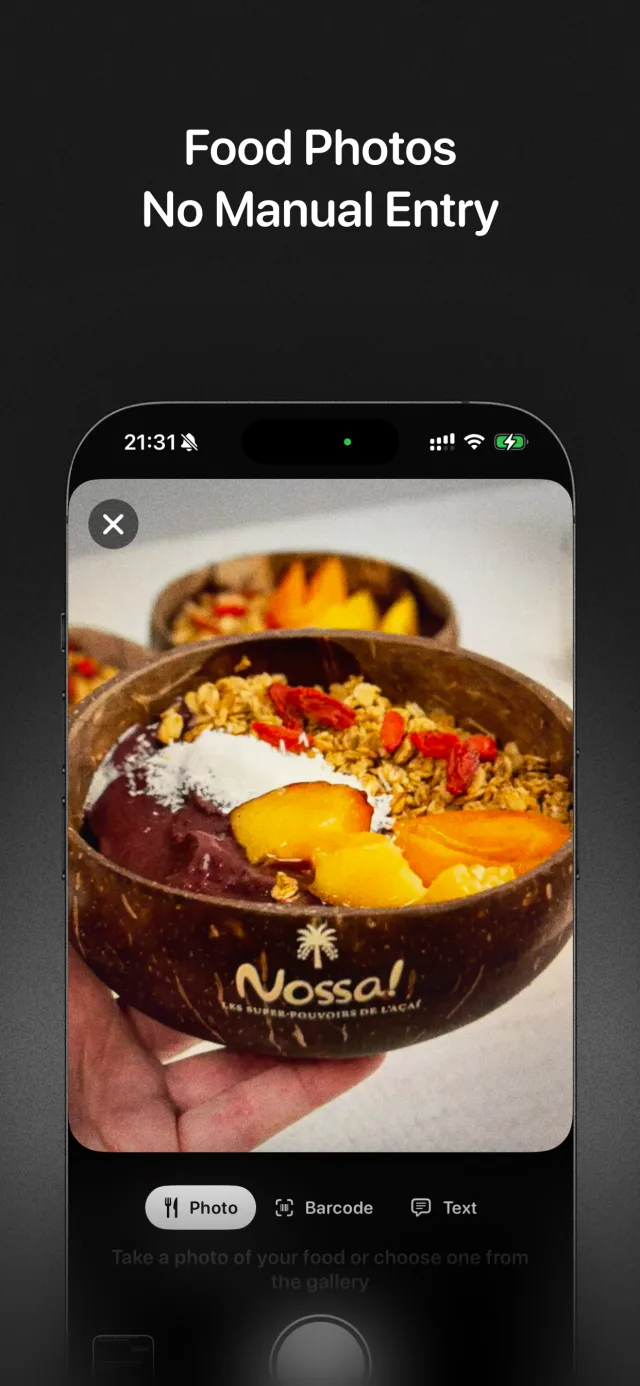
- Snap a photo of your mealPoint the camera at your plate and ego returns calories and macros in seconds. The speed keeps the logging habit alive on busy days, which matters more for results than any single estimate.
- Edit the portion before you saveEvery estimate in ego is editable. Bigger serving than it guessed? Bump it up. Cooked in oil? Add it. Ten seconds of editing removes most of the error the research complains about.
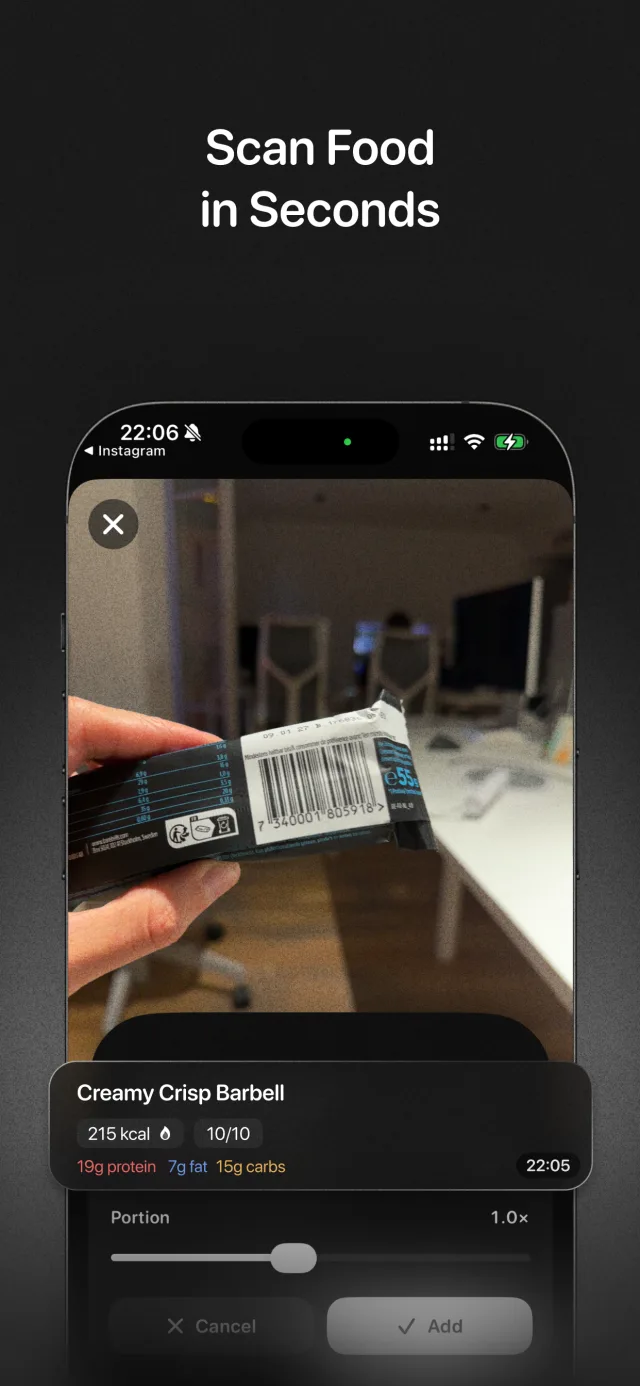
- Scan barcodes for packaged foodFor anything with a label, use ego's barcode scanner instead of a photo estimate. Label data is exact, so save the AI estimation for plates without packaging.
- Type tricky meals to the AI coachSome meals are easier to describe than photograph. Tell Ego Agent "two eggs fried in a tablespoon of butter" in chat and it logs the meal, hidden fats included.
- Read your daily nutrition analysisego reviews each day's log and flags what's blocking your goal, like protein running short or weekend calories erasing your deficit, so estimation noise doesn't drown out the signal.
Frequently asked questions
Is Cal AI accurate?
Do AI calorie counters overestimate or underestimate?
Are photo calorie counting apps accurate enough to lose weight?
Is a food scale more accurate than an AI calorie counter?
Track the trend, not the illusion of precision
ego is an AI fitness coach for iPhone that pairs editable photo meal logging and barcode scanning with a strength plan built around your goal. Free to download on the App Store; a subscription unlocks personalized workout generation, smart nutrition tracking, and daily analysis.